Visual Studio Code Brand Color Codes
with HEX, RGB, CMYK, Pantone & RAL
- Dark Blue: #0076B8
- Blue: #0085D0
- Light Blue: #23A9F2

What are the Visual Studio Code brand color codes?
The Visual Studio Code colors are Dark Blue, Blue, Light Blue. The Visual Studio Code brand color codes in HEX, RGB, CMYK, and Pantone formats can be found below. The following table provides standardized color codes across multiple systems, including HEX, RGB, and CMYK, along with Pantone (PMS), RAL, and NCS (Natural Color System). HEX and RGB formats are specifically intended for digital applications such as web design and user interfaces, while CMYK values are optimized for professional printing purposes.
Color Names & Codes of the Visual Studio Code Brand
*The color values above are not explicitly specified in the Visual Studio Code brand guidelines, but represent the closest approximations based on the official color references available.
The Visual Studio Code brand colors are Dark Blue, Blue, Light Blue. The Dark Blue color code for the brand is HEX: #0076B8, RGB: (0, 118, 184), CMYK: (100, 36, 0, 28)*, Pantone: PMS 7461 C*, RAL: 5015. The Blue color code for the brand is HEX: #0085D0, RGB: (0, 133, 208), CMYK: (100, 36, 0, 18)*, Pantone: PMS Process Blue C*, RAL: 5015. The Light Blue color code for the brand is HEX: #23A9F2, RGB: (35, 169, 242), CMYK: (86, 30, 0, 5)*, Pantone: PMS 298 C*, RAL: 5012.
Visual Studio Code Brand Image with Color Palette
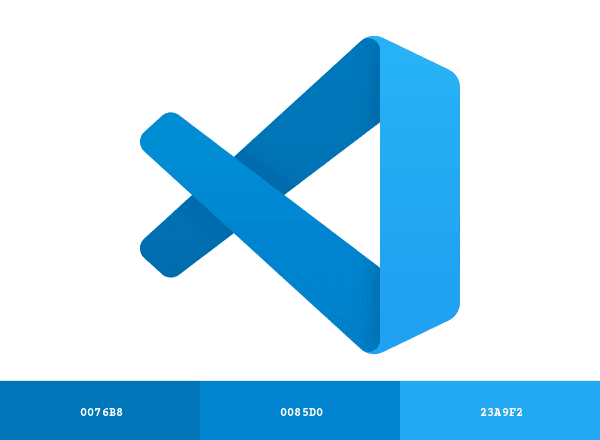
Download Visual Studio Code Color Palette
Download the Visual Studio Code brand color palette image, which includes all official HEX codes in a single visual format designed for digital use. These HEX values are recommended for applications such as web design, UI components, and digital presentations. For professional print production or spot color requirements, refer to the Pantone® (PMS) and RAL codes listed above, which are standardized for accurate color reproduction in physical materials.